Is Roblox Down? Here’s How to Check the Server Status
- The Frustration of Being Offline: Is Roblox Down?
- How to Check the Official Roblox Server Status
- Using Third-Party Tools to Monitor Roblox Outages
- Why Does Roblox Go Down? Common Causes Explained
- Troubleshooting: Is It You, or Is It Roblox?
- Stuck Offline? What to Do When Roblox Isn’t Working
- The Real Impact of Roblox Outages
- Looking Back: Notable Roblox Server Outages
- Wrapping Up: Staying Informed About Roblox Status
Is Roblox down? That’s the question buzzing through the minds of countless players, myself included, when the popular gaming platform suddenly becomes inaccessible. There’s nothing quite like the gut-wrenching feeling of trying to log in, ready for some virtual adventures with mates, only to be met with an error message or infinite loading screen. Experiencing Roblox offline can be a real bummer, especially if you were smack-bang in the middle of an epic game or planning a session with friends. As someone who spends a fair bit of time in the Roblox universe, I’ve certainly had my share of these frustrating moments, wondering if the issue is on my end or if the entire platform has hit a snag. Knowing whether the problem lies with your internet connection or if it’s a widespread Roblox outage is the crucial first step to getting back in the game (or at least understanding why you can’t!).
How to Check the Official Roblox Server Status
When you’re asking yourself, “Is Roblox down?”, the absolute best place to start is the official source. Roblox maintains a dedicated status page that provides real-time updates on the health of their various services. Think of it as the mission control dashboard for everything Roblox. This page, usually found at status.roblox.com, is run by Roblox itself and is generally the most reliable indicator of any platform-wide issues.
On the official Roblox status page, you’ll typically see different components listed, such as Website, Login, Game Servers, Avatar, and Studio. Each component will have an indicator showing its current status – operational, degraded performance, partial outage, or major outage. If you see anything other than “operational” for a key service like “Game Servers,” it’s a pretty clear sign that the problem isn’t just with your setup.
I remember one time I couldn’t load any games, but the website seemed fine. A quick check of the status page showed “partial outage” specifically for Game Servers. It was frustrating, sure, but at least I knew it wasn’t my internet playing up. The page also provides timestamps and details about any ongoing incidents or scheduled maintenance, which is super helpful for setting expectations.
Using Third-Party Tools to Monitor Roblox Outages
While the official status page is your go-to, sometimes hearing from other players experiencing the same issues can provide confirmation and a sense of solidarity. This is where reputable third-party status checkers come in handy. Websites like DownDetector are popular because they collect user-submitted reports of problems.
How do these work? Basically, if a large number of users suddenly start reporting issues with Roblox in a specific region or globally, DownDetector’s graphs will show a spike. This crowd-sourced information can be a strong indicator of a widespread Roblox outage, especially if the official status page is slow to update (which sometimes happens during sudden, unexpected events).
Downdetector.com/status/roblox is a well-known one. It shows graphs over the past 24 hours, allowing you to see if the number of reports is significantly higher than usual. You can often read comments from other users, which can give you insights into the specific problems people are facing – are games not loading? Are people having trouble logging in? Are purchases not going through? This user feedback can be invaluable.
Just a heads-up, while third-party sites are useful, they rely on user reports and might occasionally show spikes based on local issues or smaller glitches. Always cross-reference with the official status page if possible for the most accurate picture of the overall Roblox server status.
This image is a fictional image generated by GlobalTrendHub.
Why Does Roblox Go Down? Common Causes Explained
So, if it turns out Roblox isn’t working, what’s usually the reason? Like any massive online platform with millions of concurrent users, Roblox servers can face disruptions for several reasons. It’s not just a flip of a switch; there’s complex infrastructure involved.
- Scheduled Maintenance: Sometimes, Roblox takes its servers offline for planned maintenance or updates. This is necessary to improve performance, fix bugs, add new features, or enhance security. While they usually announce this in advance via the status page or social media, it still means downtime for players.
- Technical Issues: Hardware failures, software bugs, or network problems can all cause unexpected outages. Given the sheer scale of Roblox, even a minor issue in one part of the system can sometimes have a cascading effect. For example, a major outage in 2021 was caused by an internal server error triggered by a performance issue in a database system.
- High Traffic / Server Overload: During peak times or major in-game events, a sudden surge in players can overwhelm servers that aren’t adequately prepared. While Roblox is designed to handle massive loads, unexpected traffic spikes can still lead to degraded performance or crashes.
- Cyber Attacks: Like any online service, Roblox can be a target for malicious attacks like DDoS (Distributed Denial of Service) attacks, which aim to flood servers with traffic and make them unavailable to legitimate users.
Understanding these potential causes helps explain why the question “is Roblox down?” pops up from time to time. It’s often a complex technical challenge to keep everything running smoothly for such a huge global audience.
Troubleshooting: Is It You, or Is It Roblox?
Before you panic and assume the worst when Roblox isn’t loading, it’s worth doing a few quick checks on your own setup. Sometimes, the problem isn’t with Roblox at all, but with your internet connection, device, or game installation. This is where a bit of troubleshooting comes in.
First things first, check your internet connection. Is your Wi-Fi working? Are other websites loading properly? Try running a speed test to ensure you have a stable connection. A weak or intermittent signal can definitely make it feel like Roblox is down, even if the servers are fine.
Next, try restarting the Roblox application or your entire device. It sounds simple, but sometimes a fresh start can resolve temporary glitches that are preventing you from connecting. If you’re playing on a PC, make sure your game client is updated. Outdated versions can sometimes have compatibility issues that prevent them from connecting to the latest servers.
Clearing your browser cache (if playing via browser) or the app cache (on mobile) can also sometimes help. Corrupted cache data can occasionally interfere with the game loading correctly.
As someone who’s been gaming for yonks, I’ve lost count of the times I thought a game was broken, only to realise my router had decided to take a smoko. It’s always worth ruling out the local stuff first before jumping to conclusions about a wider Roblox outage.
Stuck Offline? What to Do When Roblox Isn’t Working
Okay, so you’ve checked the status pages, ruled out local issues, and it looks like Roblox is genuinely down. Now what? It’s easy to get gutted when your gaming plans are scuppered, but there are a few ways to ride out the downtime.
The most obvious thing is patience. Server issues take time to fix, especially for a platform the size of Roblox. Keep an eye on the official status page and their social media accounts (like Twitter/X, @Roblox) for updates. They usually provide information on when they expect services to be restored.
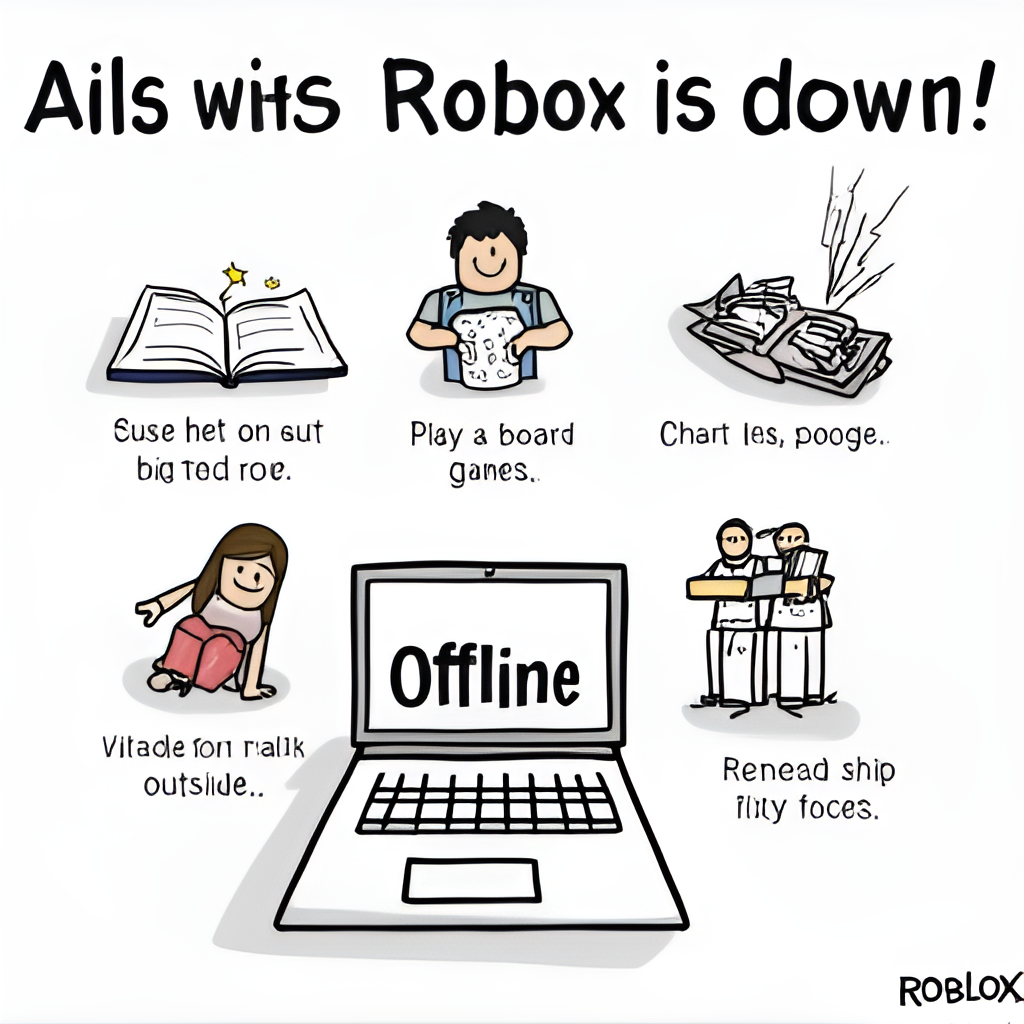
While you’re waiting, why not explore other things? You could:
- Play a different game (gasp!). There are plenty of other great games out there that don’t rely on Roblox servers.
- Engage with the Roblox community outside the game. Check out forums, Discord servers, or social media groups. Often, players share updates, memes, and commiserate together during outages.
- Watch Roblox content online. Many YouTubers and streamers have videos you can catch up on.
- Work on something else entirely! Read a book, go for a walk, or tackle that chore you’ve been putting off.
It can be frustrating, no doubt about it. But knowing that other players are in the same boat, and that the team at Roblox is likely working hard to fix things, can make it a bit easier to handle. External link to a relevant gaming news site discussing server outages: PC Gamer Gaming News.
This image is a fictional image generated by GlobalTrendHub.
The Real Impact of Roblox Outages
When Roblox goes down, it’s not just about individual players being unable to play their favourite games. The impact is much wider, affecting millions of users globally, including the developers who create experiences on the platform.
For players, even short outages can disrupt planned gaming sessions, interrupt progress in games, and cause general frustration. For those deeply invested in competitive games or events, downtime can mean missing out entirely.
For Roblox developers, outages can have a significant financial impact. Many developers earn revenue through in-game purchases or engagement, and server downtime means a direct loss of income. Major outages can also damage player trust and potentially lead to a decrease in daily active users, at least in the short term.
Roblox is a huge ecosystem, and its stability is crucial for everyone involved. Ensuring high server uptime and quickly resolving issues is a top priority for the company, not just for player satisfaction but for the economic health of the platform itself.
Looking Back: Notable Roblox Server Outages
While minor glitches happen occasionally, Roblox has experienced a few significant outages over the years that are worth noting, particularly the one that occurred around Halloween in 2021. That incident saw the platform inaccessible for a whopping 73 hours.
The cause was later explained as a complex technical issue related to their database system under heavy load, rather than external factors like a hack or a popular in-game event (though the timing near a Chipotle promotion led to initial speculation). This particular outage highlighted the complexities of running a service at Roblox’s scale and the potential for unexpected issues to cause prolonged downtime.
More recently, there have been shorter outages and disruptions reported, including one on June 27, 2025, which lasted around 40 minutes and affected several systems. These incidents, while less severe than the 2021 event, still cause frustration and remind users that even large platforms aren’t immune to technical difficulties. Learning from these past events is crucial for Roblox to improve its infrastructure and minimise future disruptions.
Is Roblox Down? Staying Informed is Key
Ultimately, the question “Is Roblox down?” is one that players will likely continue to ask from time to time. While frustrating, server outages are a reality for any online service, especially one as massive and dynamic as Roblox. Knowing where to check – primarily the official status page and reputable third-party monitors – is the fastest way to get an answer and understand whether the issue is widespread or specific to your setup. Check the current status here.
From my experience navigating the occasional offline periods, the best approach is to stay informed through official channels, try basic troubleshooting, and if it is indeed a platform issue, find something else to occupy your time until services are restored. The team at Roblox is constantly working to improve the platform’s stability and minimise downtime, learning from past incidents. So next time you can’t connect, take a deep breath, do a quick check, and remember that hopefully, you’ll be back in the game before you know it. It’s all part of the online gaming journey, eh mate?